Services / Automations
The busywork your team does by hand? It can run itself.
Free 20-minute call · Fixed price in writing
Somewhere in your business, right now, a person is copying data out of one system and pasting it into another. They did it yesterday. They'll do it tomorrow. That's not a job. That's a missing integration.
We find the repetitive work hiding in your operation and make it run itself. Leads that route themselves, invoices that generate themselves, reports that build themselves overnight. One of our clients got three hours a day back from a single workflow.
What’s included
A workflow audit
We trace where the hours actually go and rank the automations by payback, not by novelty.
The plumbing, built
Direct API connections where they exist, Zapier or Make where they fit, custom scripts where nothing else will do.
Failures that speak up
Every workflow alerts you the moment something breaks. Silent failures corrupt data. Ours are loud.
Documentation in plain English
Your team gets a readable rundown of every workflow: what runs, when, and why.
Someone watching
Optional ongoing support to keep everything healthy as your tools and processes change.
You own the workflows
Whether it's built on a platform or custom scripts, the account and the logic are yours. No dependency on us to keep it running.
Who this is for
- Ops teams drowning in copy-paste between systems
- Ecommerce stores syncing orders and inventory by hand
- Agencies with manual client onboarding checklists
- Any business where somebody updates the spreadsheet every morning
Pricing & timeline
Priced around how many systems and workflows are involved. Every proposal estimates the hours you'll get back, so the payback is clear before you spend anything.
A single workflow often ships within days. Bigger multi-system projects usually take a week or two.
How a automations project runs
Discovery
We walk through your process step by step and find where the hours are leaking.
Proposal
Which workflows to automate and in what order, with the time savings estimated up front next to a fixed quote.
Build
Each workflow gets built and tested against real data before it touches your live operation.
Launch
Workflows go live one at a time, with monitoring on and documentation your team will actually read.
Shipped and live
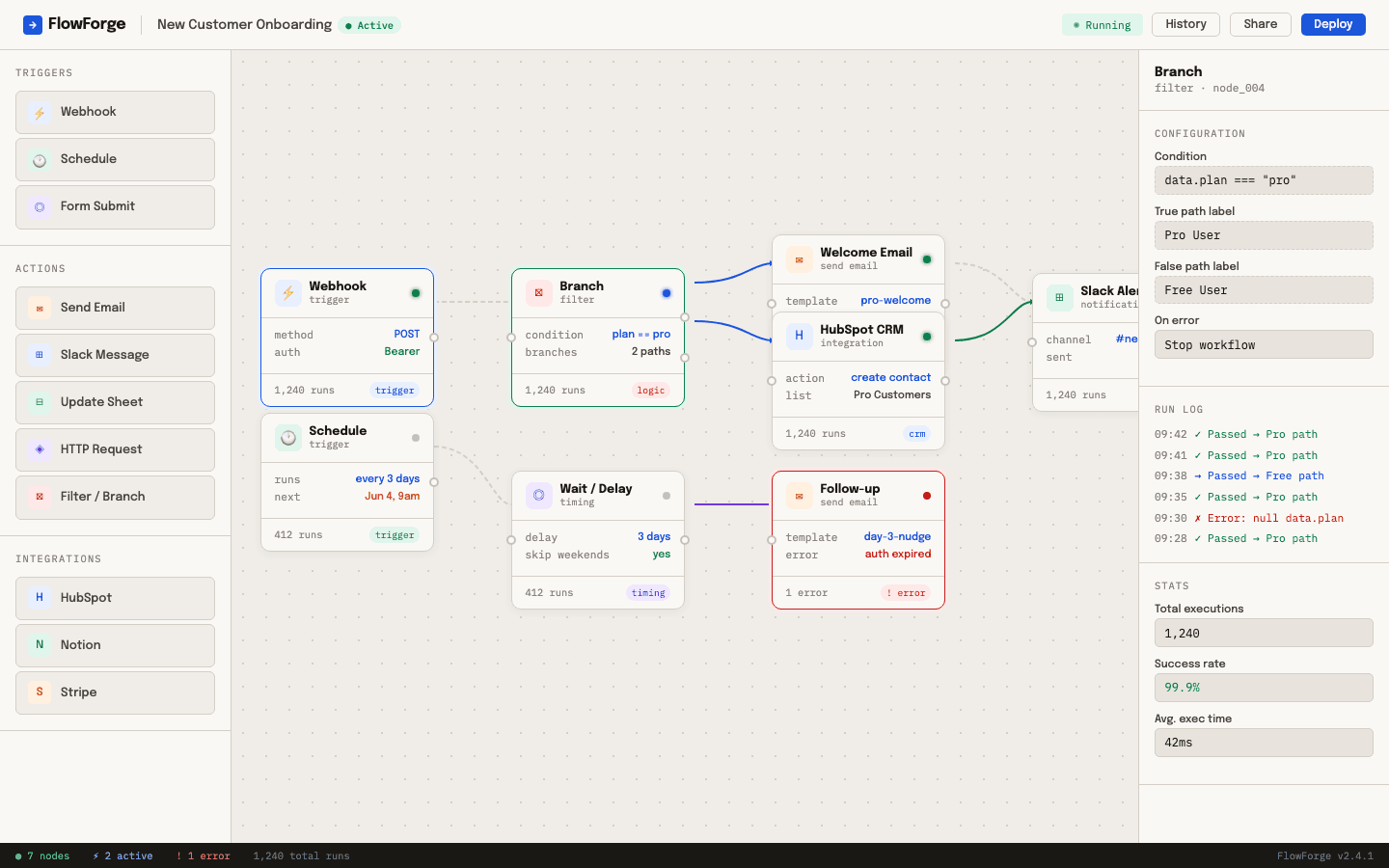
Operations · Automation tooling
FlowForge
A visual workflow builder that lets a non-technical ops team automate their own processes. No code, no waiting on developers.
3 hrs/day of manual work gone
Automations questions
Which tools can you connect?
Most things a modern business runs on: CRMs, spreadsheets, email platforms, ecommerce systems, accounting software. If it has an API or lives in a browser, there's usually a way in.
What happens when an automation breaks?
You hear about it immediately. Every workflow we ship includes error alerts, so a failure gets fixed the day it happens instead of discovered in a bad report a month later.
Is this just Zapier?
Sometimes Zapier is the right tool and we'll say so. When workflows get complex or volume makes per-task pricing silly, custom scripts win. We recommend whatever fits your case, not whatever we feel like building.
How do I know it's worth it?
The proposal estimates hours saved per week next to the quote. If the automation won't pay for itself quickly, we'll tell you not to build it.
Let's talk about your automations project.
A free 20-minute call. You'll leave knowing what it takes, what it costs and how long it runs, whether or not we work together.

You’ll talk to Lee, the founder. Your contact from start to finish.